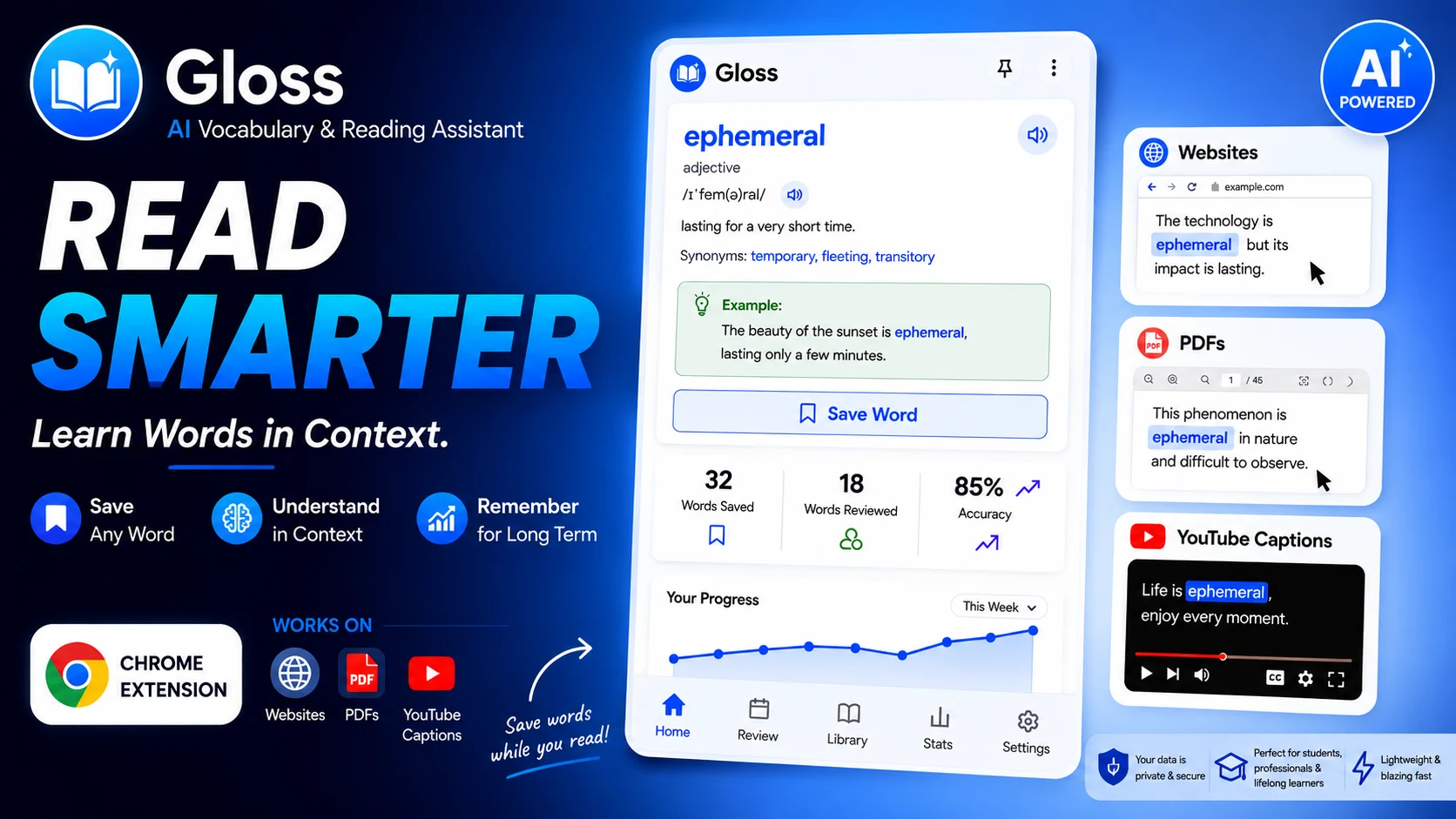
Learn every word
you actually read.
From “what does that mean?” to using it in your next conversation. Tap any word, get its meaning in context, practice it, and make it yours.
- Scan and lookup are always free
- 7-day trial for saving & reviews

Pick it. Get it. Practice it. Use it.
From meeting a word on the page to using it in your own sentences.

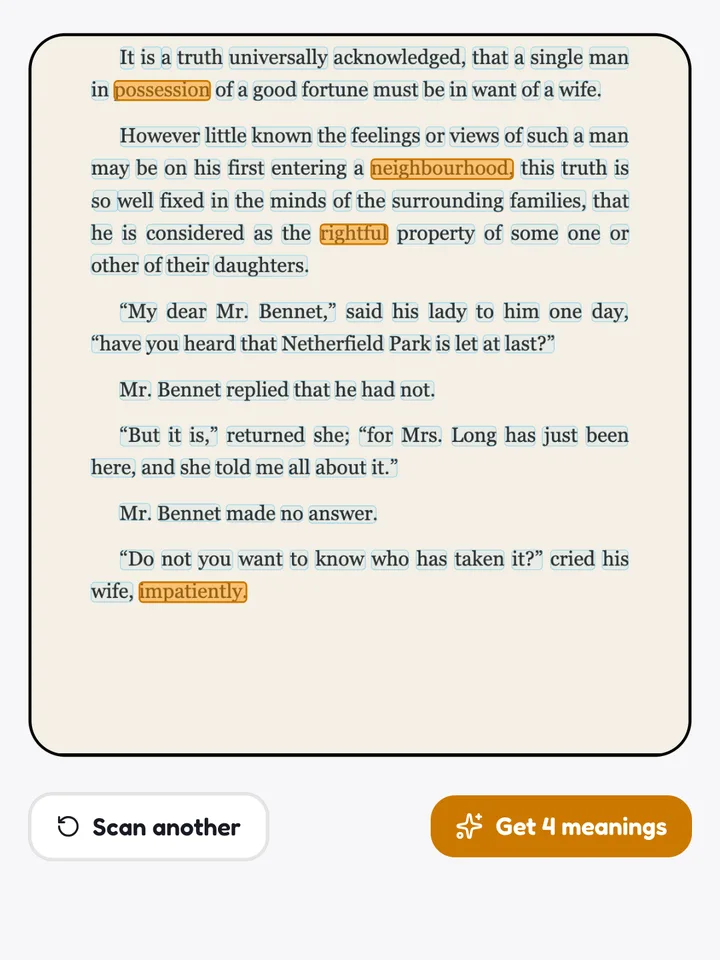
Pick it
Tap the words you don't know on any page: a photo of your book, a PDF, or any website with the extension.

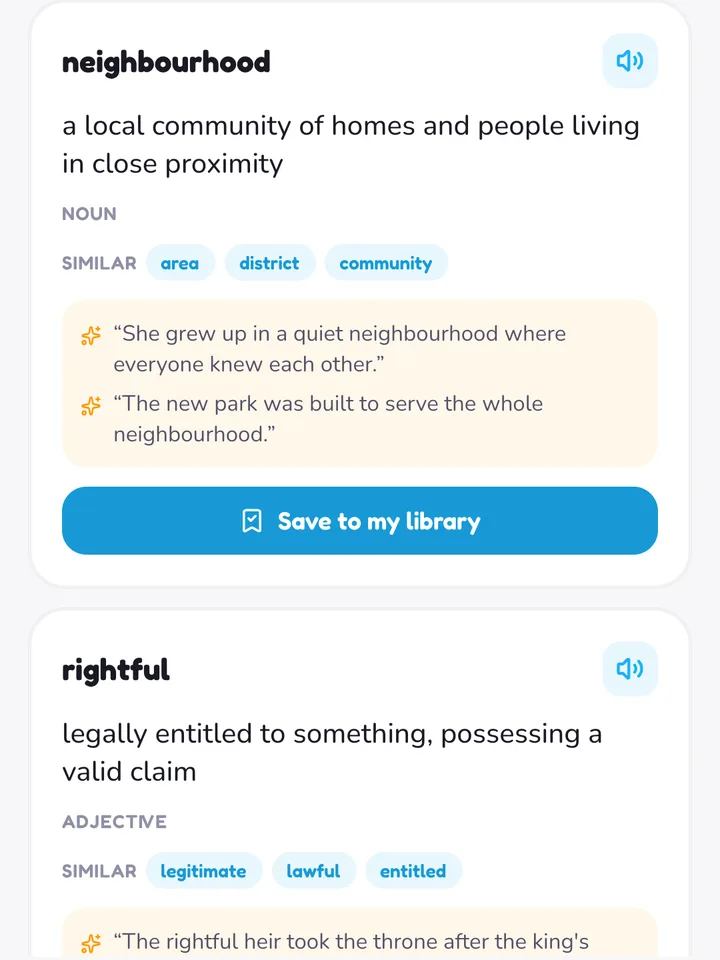
Get it
Each word or phrase gets its meaning from the exact sentence it's in, with examples. Not a random dictionary entry.

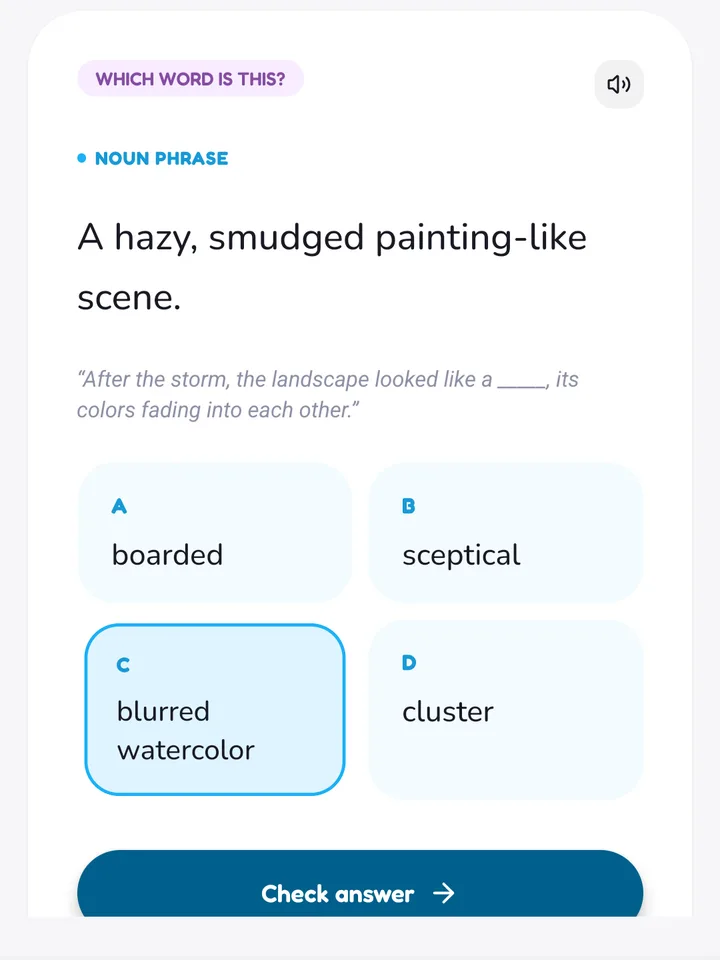
Practice it
Saved words come back right before you'd forget them, in quick quizzes that change style so it never feels repetitive.
Use it
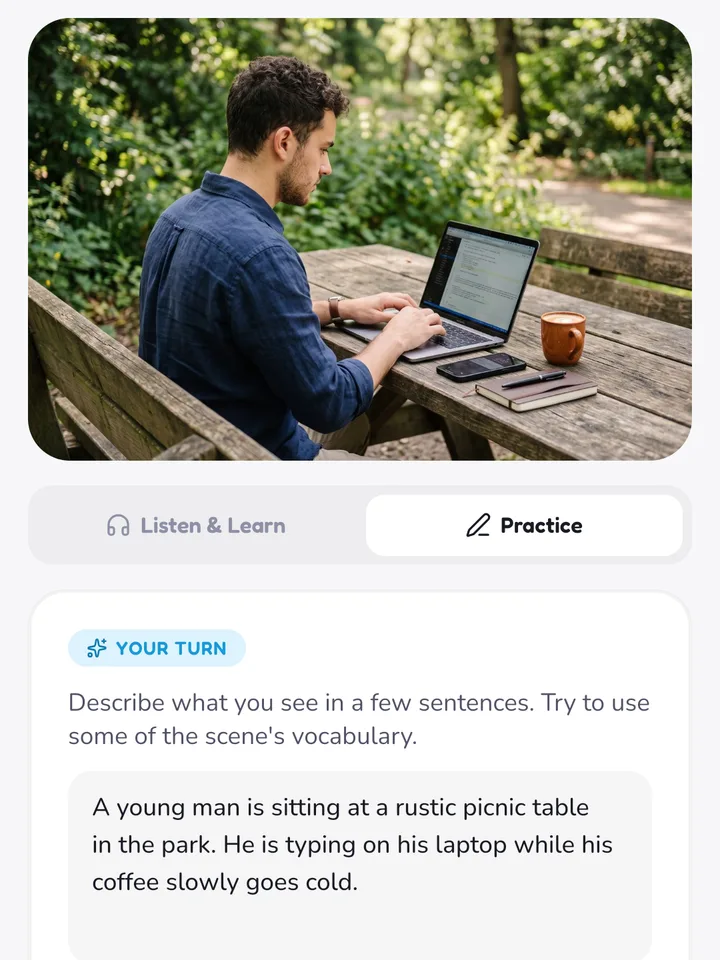
Say it out loud, write your own sentence, describe a scene and get feedback, until the word comes naturally when you talk.
Words you read today, words you use tomorrow.
Every word you save stays organised, and you can see it sticking.
Stop taking screenshots you'll never revisit.
Every word you save is sorted into new, learning, and learned automatically, with struggling words flagged so you know exactly what to focus on.
See proof you're actually improving, not just guessing.
A daily streak and a 14-day review history keep momentum visible, so showing up becomes the habit, not the chore.
Two ways to practice.
Want to practice speaking?
Listen to a picture described sentence by sentence, or write your own description and get AI feedback.
Vocabulary help, wherever you're reading.
Install the free Gloss extension for the same instant, in-context definitions on any webpage, PDF, or YouTube video, no scanning required.
- Select a word on any webpage or PDF
- Double-tap a word in YouTube captions